


 English
 繁體中文
繁體中文
 Deutsch
 Français
 Español
 日本語
日本語
 Tiếng Việt
 Português
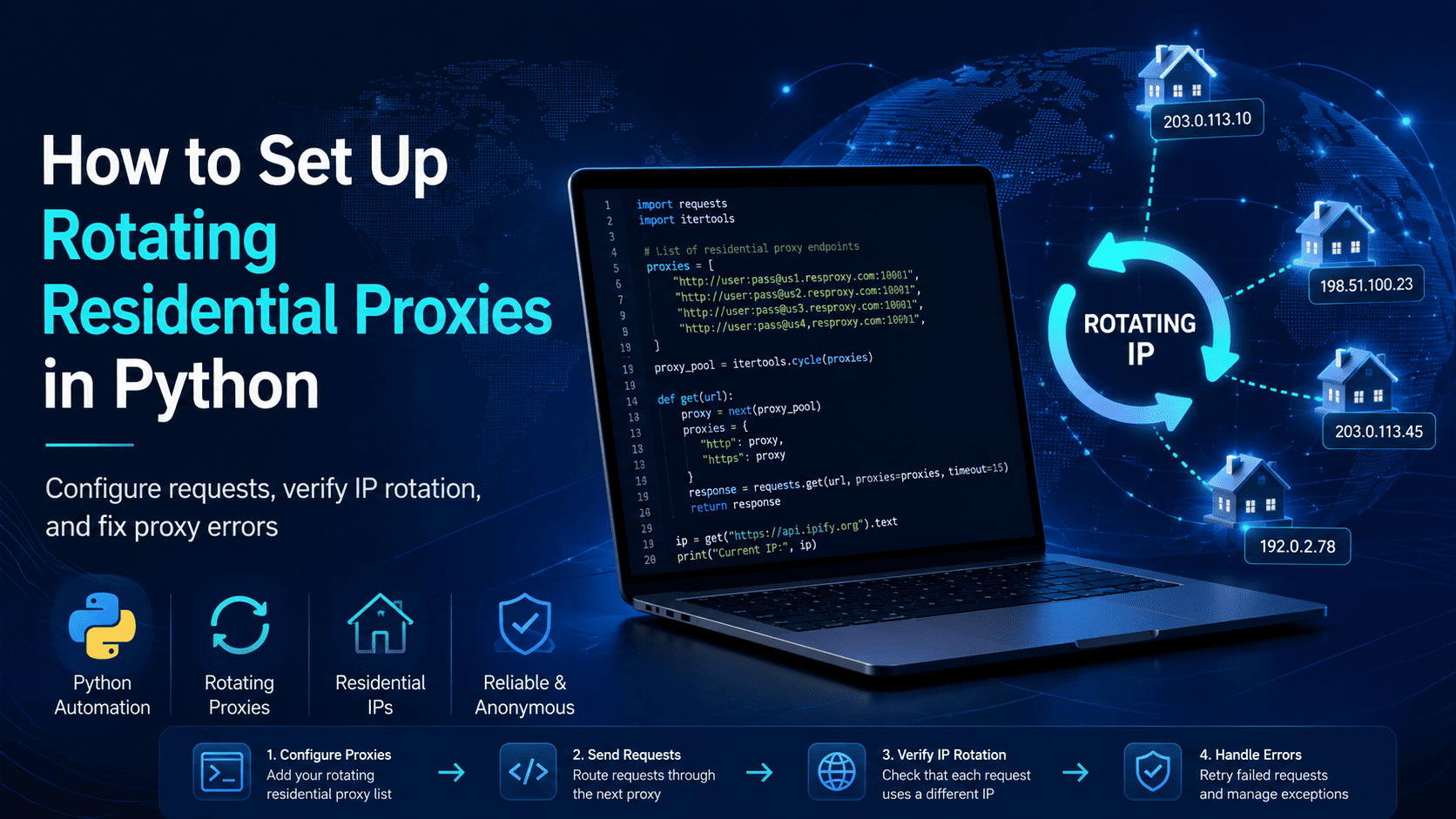
If your goal is to make Python requests through rotating residential proxies, the shortest working path is: get one authenticated residential gateway from your provider, pass it to requests, verify that your exit IP changes across calls, and only then move it into your real script.
That order matters because a script can return 200 OK while still behaving like a static setup if the provider-side rotation or session settings were never applied.
For most teams, a provider-managed rotating gateway is the right starting point. It keeps your Python code simple and leaves IP rotation to the provider instead of forcing you to manage a raw proxy list yourself.
What Do You Need From Your Residential Proxy Provider?
Before you write code, collect the exact connection details from the provider dashboard or setup page. For a standard authenticated residential endpoint, that usually means a host, port, username, password, protocol, and any controls for geography or session behavior.
Use this checklist first:
A supported Python 3 environment on your local machine or server.
Requests installed with
python -m pip install requests.If your provider gives you SOCKS5 endpoints, install SOCKS support with
python -m pip install "requests[socks]".Proxy host and port.
Authentication format, usually
username:passwordinside the proxy URL.Protocol, typically HTTP(S) or SOCKS5.
Whether rotation is automatic at the gateway level or controlled by a sticky-session parameter.
Any geo-targeting fields such as country, state, or city.
A test endpoint that returns your outbound IP, such as
https://httpbin.org/ip.
If you’re missing the provider-specific parts, don’t guess the syntax. Confirm three things before you continue: where session controls live, whether one gateway is used for both http and https, and whether the product rotates on every request or on a timed/sticky window.
If you still need an endpoint, pick a provider that publishes protocol support and rotation behavior clearly. Proxy001 residential proxies support HTTP(S) and SOCKS5, offer rotating residential proxies, and provide geo-targeting options for workflows that need location-specific residential IP routing.
How Do You Configure the Proxy in Python?
Requests expects a proxies dictionary, and each value must be a full proxy URL that includes the scheme. For an authenticated HTTP(S) residential gateway, the standard format is http://username:password@host:port.
In most cases, you’ll use the same endpoint for both http and https unless your provider explicitly says otherwise. Here’s the base setup:
import requests

USERNAME = "your_username"
PASSWORD = "your_password"
HOST = "proxy.example.com"
PORT = "10000"

proxy_url = f"http://{USERNAME}:{PASSWORD}@{HOST}:{PORT}"

proxies = {
    "http": proxy_url,
    "https": proxy_url,
}
If your password contains characters like @, :, or /, URL-encode it before you build the proxy string. That prevents malformed URLs that often look like authentication failures later.
from urllib.parse import quote

USERNAME = "your_username"
PASSWORD = quote("p@ss:word/with-specials", safe="")
HOST = "proxy.example.com"
PORT = "10000"

proxy_url = f"http://{USERNAME}:{PASSWORD}@{HOST}:{PORT}"
If your provider gives you a SOCKS5 endpoint, Requests supports it as an optional feature when the SOCKS dependency is installed. In that case, change the scheme to socks5:// or socks5h://:
proxy_url = "socks5h://your_username:your_password@proxy.example.com:1080"

proxies = {
    "http": proxy_url,
    "https": proxy_url,
}
Socks5h resolves DNS on the proxy side, while socks5 resolves it on the client side. If your provider recommends one of the two, use that exact form.
How Do You Make the First Working Request?
Start with one request to an IP echo endpoint. httpbin exposes /ip, which makes it easy to confirm whether Requests is using the proxy at all before you aim the script at a real target.
import requests

proxy_url = "http://your_username:your_password@proxy.example.com:10000"
proxies = {
    "http": proxy_url,
    "https": proxy_url,
}

response = requests.get(
    "https://httpbin.org/ip",
    proxies=proxies,
    timeout=20,
)

response.raise_for_status()
print(response.json())
A successful response looks like this:
{
  "origin": "203.0.113.10"
}
That proves the request completed through the proxy and returned an exit IP. It does not prove rotation yet, which is why the next section matters.
When Should You Switch to requests.Session()?
Use requests.Session() as soon as you expect repeated calls. Sessions persist settings across requests and reuse underlying connections, which is a better fit for real scripts than rebuilding everything for each call.
A session is also the right place to add retries and timeouts. Requests does not apply a timeout by default, so adding one yourself is part of a reliable proxy setup, not an optional extra.
import requests
from requests.adapters import HTTPAdapter
from urllib3.util import Retry

proxy_url = "http://your_username:your_password@proxy.example.com:10000"

session = requests.Session()

retry = Retry(
    total=3,
    backoff_factor=1,
    status_forcelist=[429, 500, 502, 503, 504],
    allowed_methods={"GET", "HEAD", "OPTIONS"},
)

adapter = HTTPAdapter(max_retries=retry)
session.mount("http://", adapter)
session.mount("https://", adapter)

session.headers.update({
    "Accept": "application/json",
    "User-Agent": "python-requests-residential-rotation-check/1.0"
})

proxies = {
    "http": proxy_url,
    "https": proxy_url,
}

response = session.get(
    "https://httpbin.org/ip",
    proxies=proxies,
    timeout=(5, 20),
)

response.raise_for_status()
print(response.json())
This is the version worth keeping in production-facing code because it gives you connection reuse, controlled retries, and explicit proxy routing on the request itself. That last part matters because the Python Requests advanced usage documentation notes that environment proxy variables can override session.proxies, while proxies= on the request is the clearest way to confirm what route the call actually used.
Should You Rotate a Gateway or Rotate a Proxy List?
Use a provider-managed rotating gateway unless your provider explicitly gives you a list of discrete residential endpoints. Gateway rotation keeps your code stable while the provider handles IP changes behind one credentialed endpoint.
Manual list rotation only makes sense when you actually receive multiple usable residential IP:port entries and need to cycle them yourself. In that case, round-robin is the simplest pattern:
import requests
from itertools import cycle

proxy_pool = [
    "http://user:pass@res-proxy-1.example.com:10000",
    "http://user:pass@res-proxy-2.example.com:10000",
    "http://user:pass@res-proxy-3.example.com:10000",
]

proxy_cycle = cycle(proxy_pool)

for i in range(3):
    proxy = next(proxy_cycle)
    response = requests.get(
        "https://httpbin.org/ip",
        proxies={"http": proxy, "https": proxy},
        timeout=20,
    )
    response.raise_for_status()
    print(response.json())
If you already bought a rotating residential gateway, don’t add manual rotation logic on top of it. That adds complexity without solving a real problem. For a broader Python rotation pattern, this external guide on how to rotate proxies in Python is useful for understanding the difference between rotating gateways and manual proxy-list rotation.
How Do You Verify That Rotation Is Actually Working?
You need to verify three things in order: routing, rotation, and session behavior. If you only check the first one, you can miss the real reason a rotating residential setup fails in production.
1. Confirm the proxy is active
Start with a direct request and a proxied request to the same IP echo endpoint.
import requests

proxy_url = "http://your_username:your_password@proxy.example.com:10000"
proxies = {
    "http": proxy_url,
    "https": proxy_url,
}

direct = requests.get("https://httpbin.org/ip", timeout=20)
proxied = requests.get("https://httpbin.org/ip", proxies=proxies, timeout=20)

print("Direct :", direct.json())
print("Proxied:", proxied.json())
If the proxied origin differs from the direct result, the proxy is active. That proves routing, not rotation.
2. Confirm the IP rotates
Send the same proxied request several times and compare the returned IPs. If the gateway is configured for automatic rotation, the exit IP should change across requests; if the endpoint is sticky, the same IP may persist until the sticky window expires.
import requests
import time

proxy_url = "http://your_username:your_password@proxy.example.com:10000"
proxies = {
    "http": proxy_url,
    "https": proxy_url,
}

for i in range(5):
    response = requests.get(
        "https://httpbin.org/ip",
        proxies=proxies,
        timeout=20,
    )
    response.raise_for_status()
    print(f"Attempt {i+1}:", response.json())
    time.sleep(1)
Interpret the output like this:
Different
originvalues across calls usually mean the rotating residential proxy is rotating as expected.The same
originacross calls usually means you are on a sticky session or a non-rotating product.If the behavior doesn’t match the product settings you selected, the problem is usually on the provider side, not in the Requests syntax.
3. Confirm session behavior
If you need a stable IP for a short workflow, check whether your provider supports sticky sessions and where that control belongs. Providers commonly place that value in the username, endpoint, or a dedicated session parameter rather than in Python logic itself.
The quickest rule is simple: if your workflow needs continuity, use a sticky session; if each request can stand alone, use automatic rotation. Then rerun the /ip check several times and confirm the actual output matches the behavior you requested.
For a product-level comparison of sticky and rotating behavior, you can also review Best Residential Proxy Providers in 2026: A Practical Comparison.
Why Isn’t My Rotating Residential Proxy Working?
Most failures come from a short list of issues. Work through them in this order so you can separate code problems from endpoint problems quickly.
407 Proxy Authentication Required
This usually means the proxy rejected your credentials or the auth string was malformed. Recheck the username, password, host, port, and any geo or session fields your provider expects inside the credentials.
If your password contains reserved URL characters, encode it before you build the proxy string. A malformed URL often looks like an auth problem at first.
requests.exceptions.ProxyError
A ProxyError usually points to the wrong host, wrong port, wrong scheme, an unavailable upstream proxy, or a connection failure before authentication completed. Requests’ advanced docs also note that proxy settings can come from environment variables, which can confuse debugging if your process inherits a different endpoint than the one you intended.
Fastest fix sequence:
Print the proxy format without exposing secrets.
Confirm the scheme matches the provider’s instructions, such as
http://versussocks5h://.Pass
proxies=directly on the request while debugging instead of relying only onsession.proxies.Check whether
HTTP_PROXY,HTTPS_PROXY, orALL_PROXYare set in the environment.
The IP never rotates
If the IP never changes, the Python code is often fine and the provider-side configuration is the problem. Check whether the product is a rotating gateway, a sticky session, or a static residential product, because those behave differently by design.
Then confirm these items:
Whether a session value is fixed in the username or endpoint.
Whether the provider rotates on every request or on a timed interval.
Whether you bought rotating residential proxies rather than static residential proxies.
The request hangs or times out
Requests does not apply a timeout unless you set one. Add an explicit timeout to every proxied request, and use a tuple like (5, 20) if you want a short connection budget with a longer read budget.
If timeouts persist, compare three cases:
A direct request to the same target.
A proxied request through the current residential gateway.
A proxied request through a second endpoint from the same provider, if one is available.
That sequence tells you whether the issue is target-side, endpoint-specific, or a broader provider latency problem.
HTTPS fails with SSL errors
Requests verifies TLS certificates by default. If HTTPS proxying fails with certificate-related errors, check your local trust store or CA bundle before changing anything else.
The Requests docs note that you can point REQUESTS_CA_BUNDLE to a CA bundle file when needed. You can use verify=False for local debugging, but the same docs warn that doing so increases man-in-the-middle risk, so it shouldn’t stay in production code.
The request ignores the proxy
This usually means the proxy URL is missing a scheme or environment proxy variables are interfering with your session-level settings. Requests expects fully qualified proxy URLs, and its docs explicitly warn that environment values can override session.proxies.
Use a full proxy URL and pass proxies= directly on the request while you debug.
SOCKS5 fails immediately
SOCKS support in Requests is optional. If a SOCKS endpoint fails immediately, install requests[socks] and confirm that the scheme is socks5:// or socks5h://, not http://.
Compliance Note
Use rotating residential proxies for approved workflows such as regional QA, ad verification, localized content checks, fraud research, price monitoring, brand protection, and other authorized testing or data-collection tasks. Keep request volume reasonable, follow the target service’s terms or API rules, and document why you need residential IP rotation instead of a static residential or datacenter setup.
Don’t leave verify=False in production just because it got one test working. Requests’ documentation warns that disabling certificate verification weakens transport security and increases man-in-the-middle risk.
If you want a provider for this workflow, Proxy001 is a practical place to start because it offers rotating residential proxies, HTTP(S) and SOCKS5 support, geo-targeting, and a straightforward residential proxy setup. That fits this workflow well: you need a documented gateway format, clear authentication, and a reliable way to confirm whether the endpoint is rotating or sticky before you move it into a larger Python job.
Start with one authenticated residential gateway, run the direct-vs-proxied IP test, repeat the IP check several times to confirm rotation behavior, and only then scale the script into scheduled or production workflows.
